PreprLabs Design System
Reworking Prepr’s design system to match industry standards and improving the design to implementation workflow.
- Identified issues with Prepr’s previous design system.
- Recreated components from scratch, utilizing Figma auto-layout and variables.
- Implemented design token naming convention.
Project Details
Client
Prepr
Project tasks
- Redesign the PreprLabs design system with best practices, ensuring every component was created using auto-layout.
- Work with developers to improve the design implementation flow.
Achievements
- Achieved a reduction of around 50% less design implementation errors.
- Improved the design workflow by creating a scalable library of responsive components.
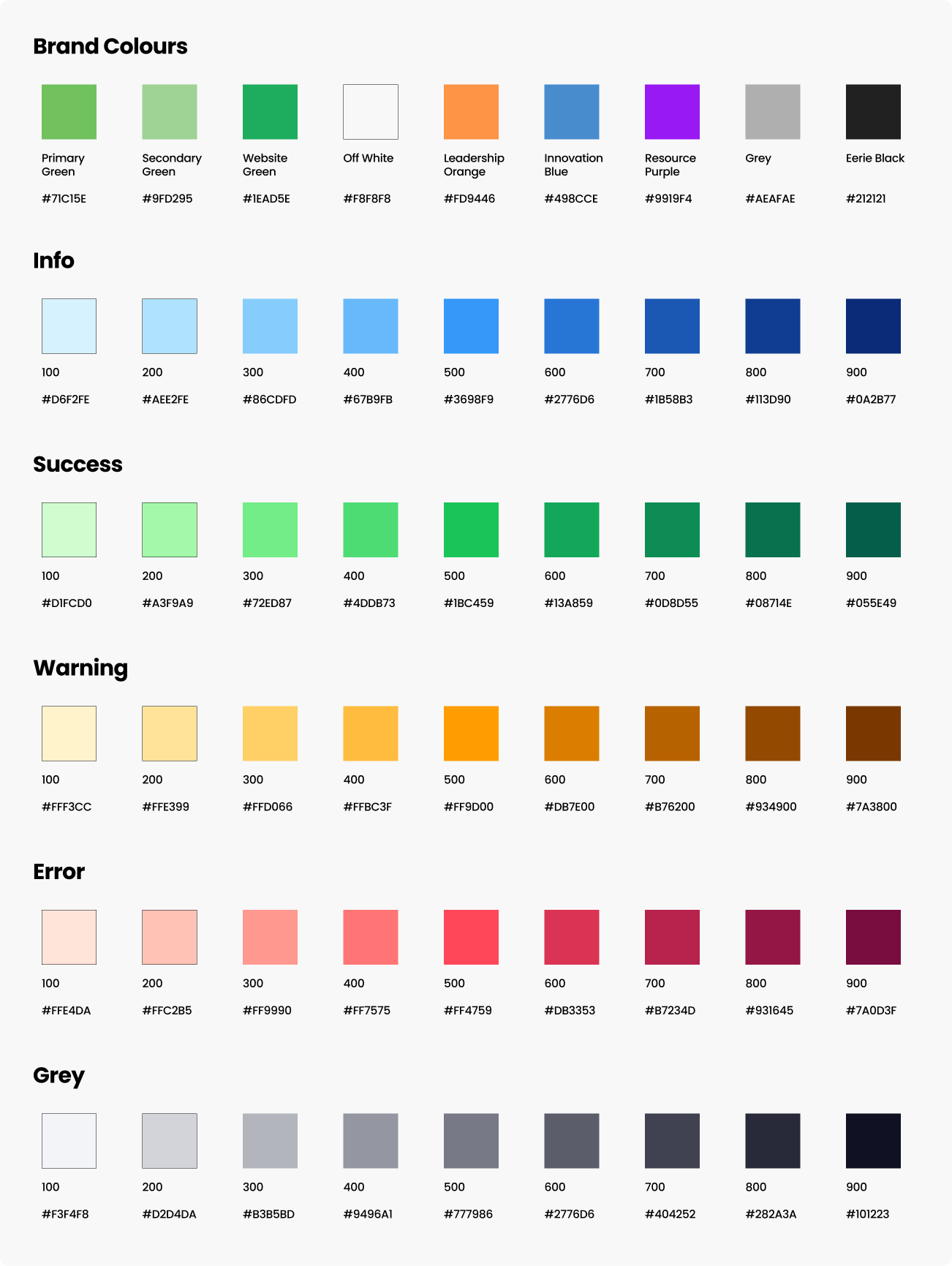
- Enhanced the consistency of the PreprLabs LMS by setting up variable collections for text, colour, and spacing.
Tools
Figma
Project Context
Prepr is a non-profit organization that partners with educational institutions and industry leaders to provide digital learning programs. As part of their efforts, the organizations created the PreprLabs learning management system to help organize their educational material and facilitate online learning. As the organization and programs scaled in size, inconsistencies and frustrations kept appearing regarding the design to development implementation process. Identifying issues in the design system, I led an initiative to update the PreprLabs Figma design system with best practices and update our existing 25+ Figma designs with the new components.
Issues
Here are the three core issues that I found during my initial audit of the design system.
1. All components were grouped instead of using auto layout
This was the biggest issue of the old design system because it led to a lack of consistency across PreprLabs’ designs, made it difficult to edit components, and resulted in issues with developer implementation of the designs. This also meant that all of the components were non-responsive, requiring manual adjustments to dimensions. Due to this, all existing components had to be recreated using auto layout and variables. This would then allow for components to be truly responsive, consistent, and easily editable.
2. Variables were not used
There were no set variables for margins and padding, resulting in inconsistent spacing and ad hoc placement of elements. Without variables, each design on Figma had different spacing, resulting in implementation issues. Additionally, the lack of variables meant that if the design team wanted to change the universal spacing, colour, or text, they would have to manually update each design, rather than pushing a change to the variable.
3. Lack of component sets and variants
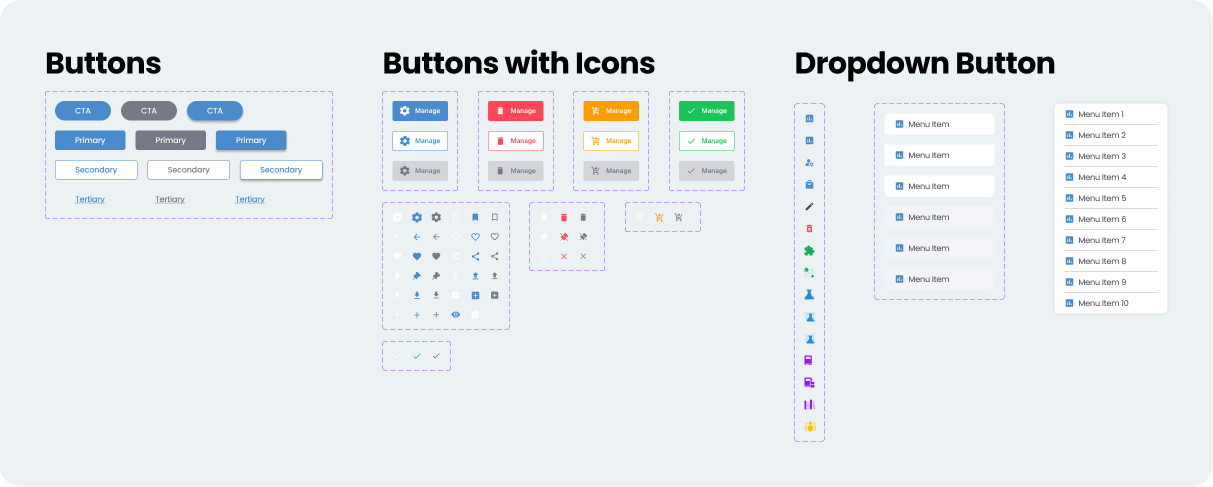
The design system did not take advantage of component sets and variants, resulting in over bloated component library that lists all the different versions of the same components. This meant that designers had to manually search or scroll just to find the right button or dropdown. By setting up component sets and adding variants to similar components, the design library’s size can be reduced and make it easier for designer to search for what they need. Additionally, it allows us to add new variants and change them in the designs.
Goal
The goal of this design system update was to:
- Standardize PreprLabs UI components and make them consistent across multiple designs/platforms.
- Improve the developer hand-off process and reduce implementation issues.
- Increase design efficiency and improve the Figma workflow.
Outcome
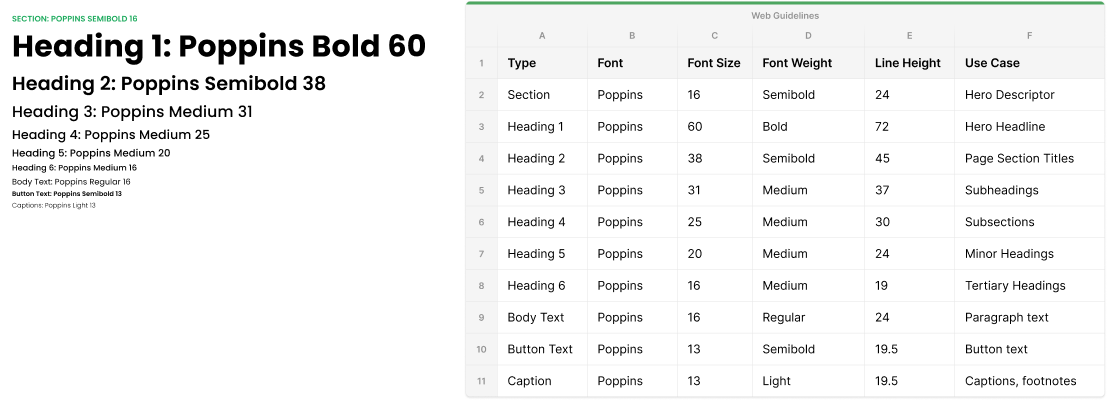
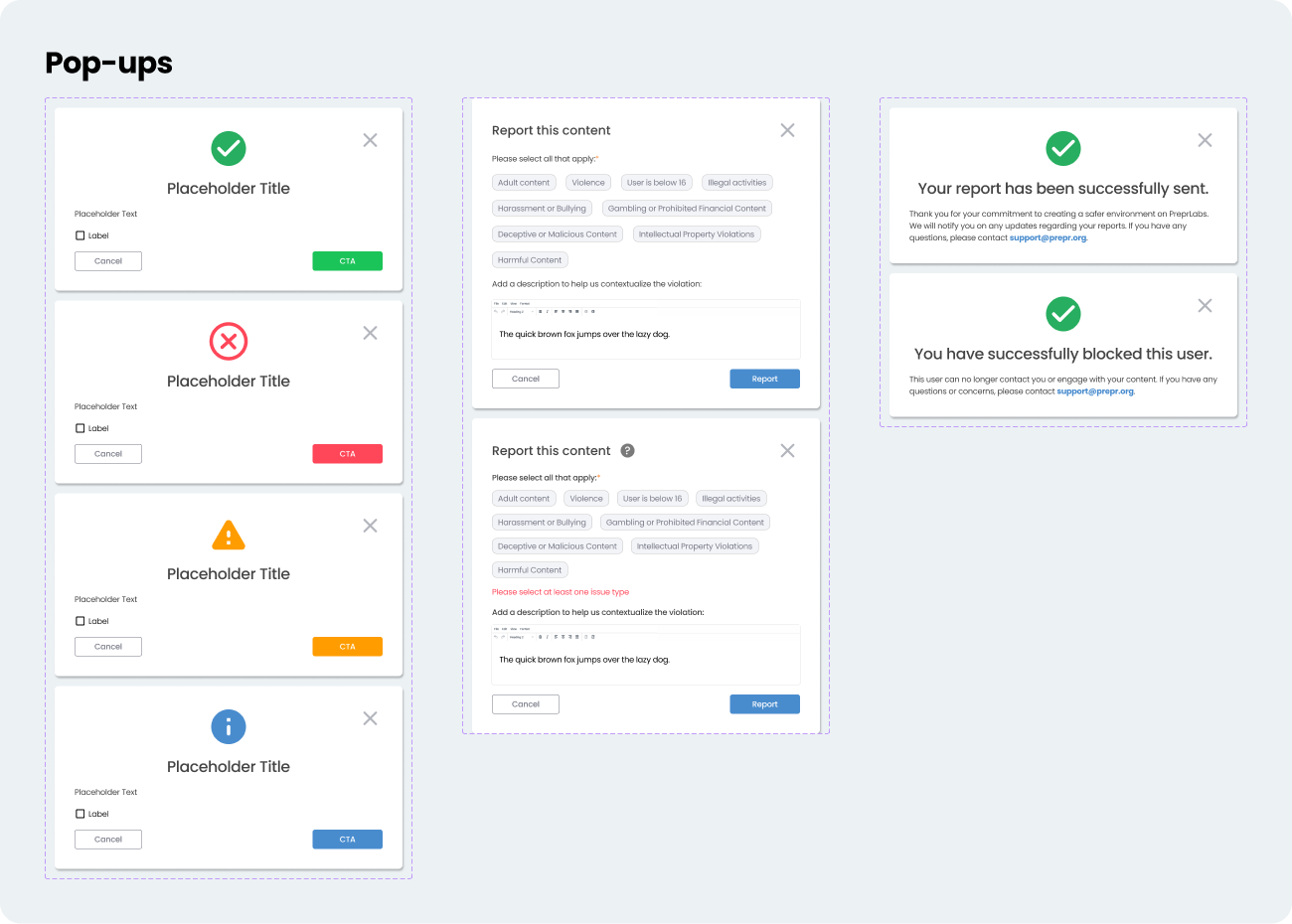
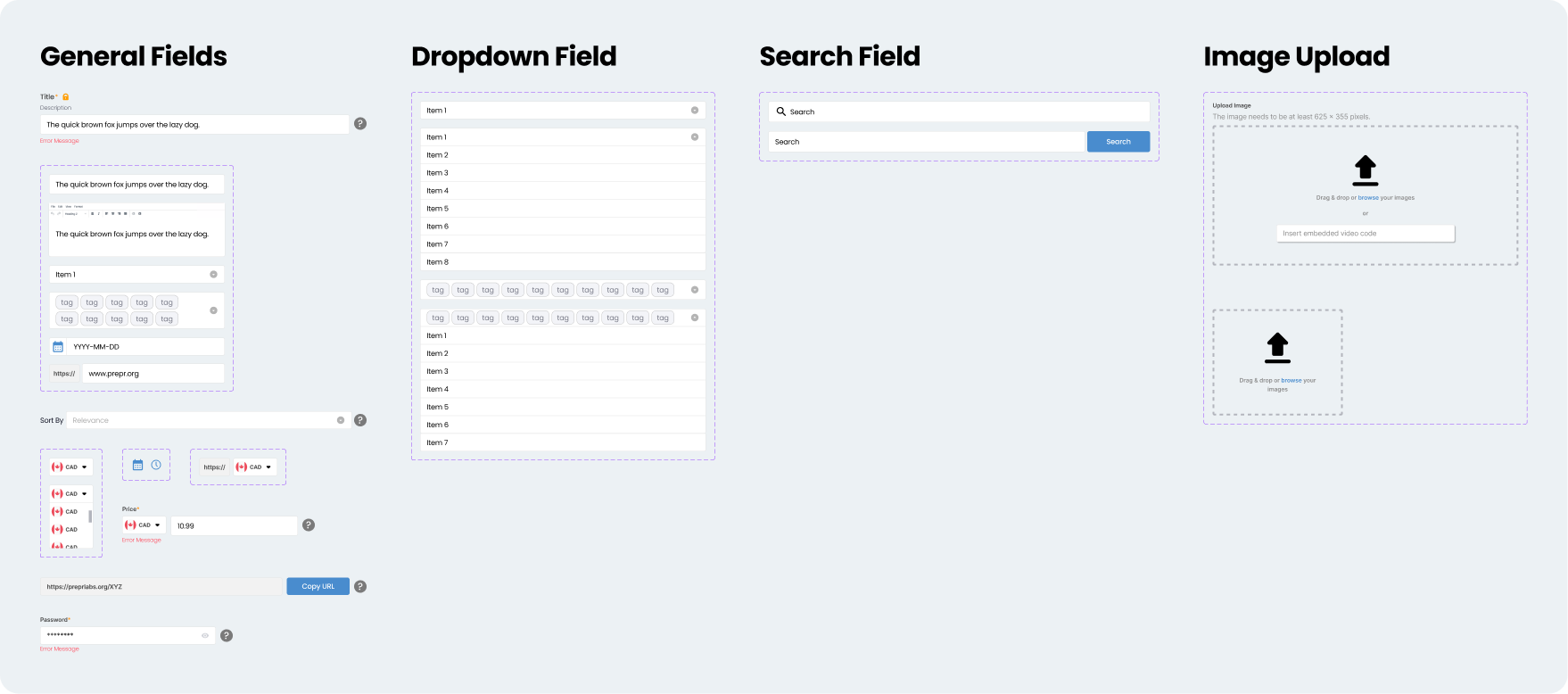
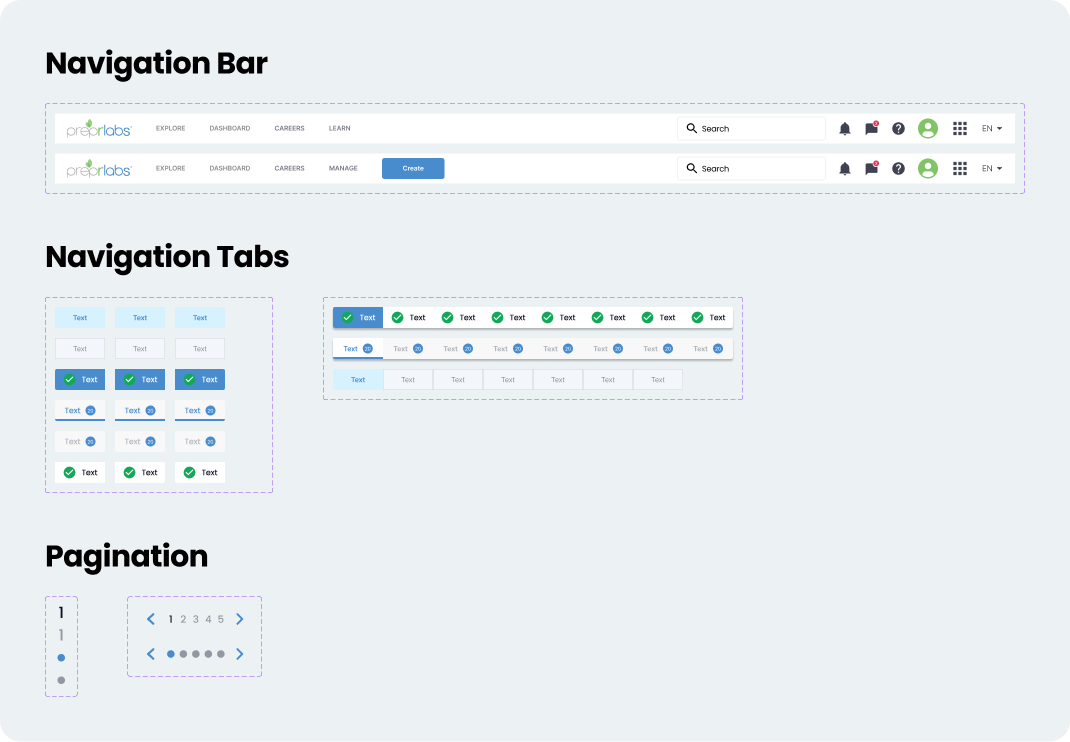
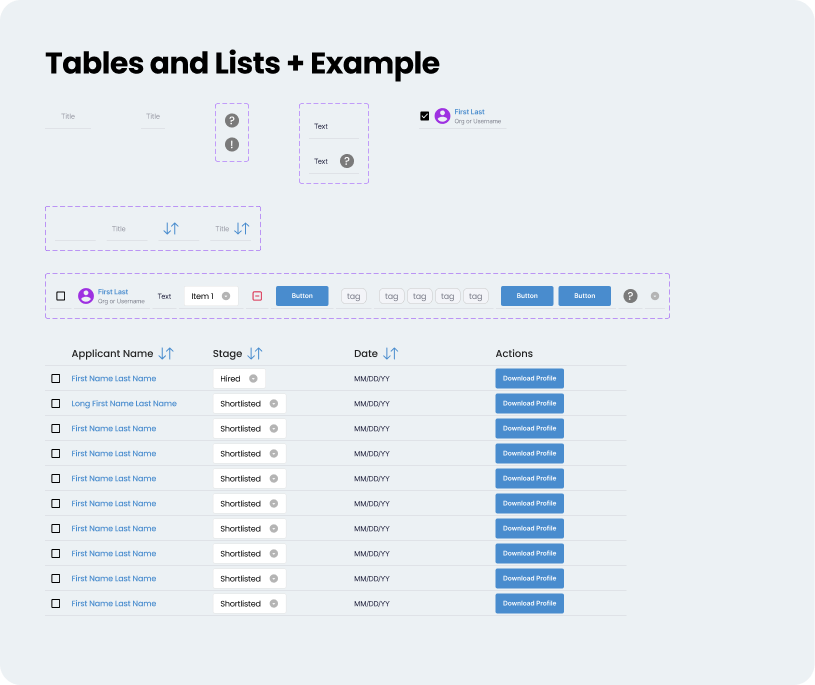
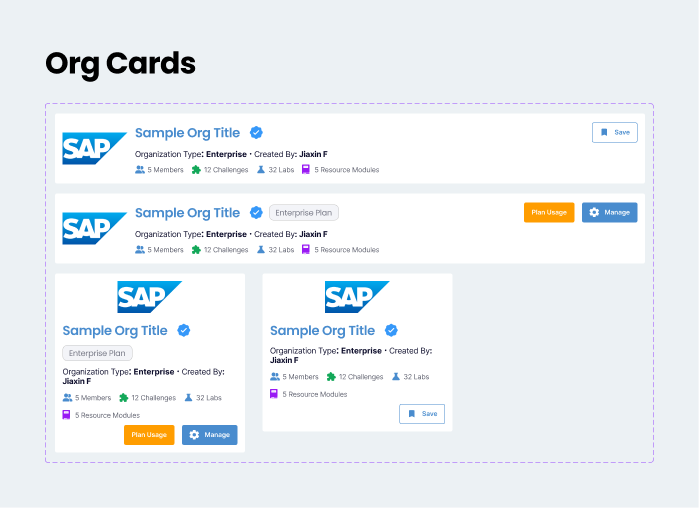
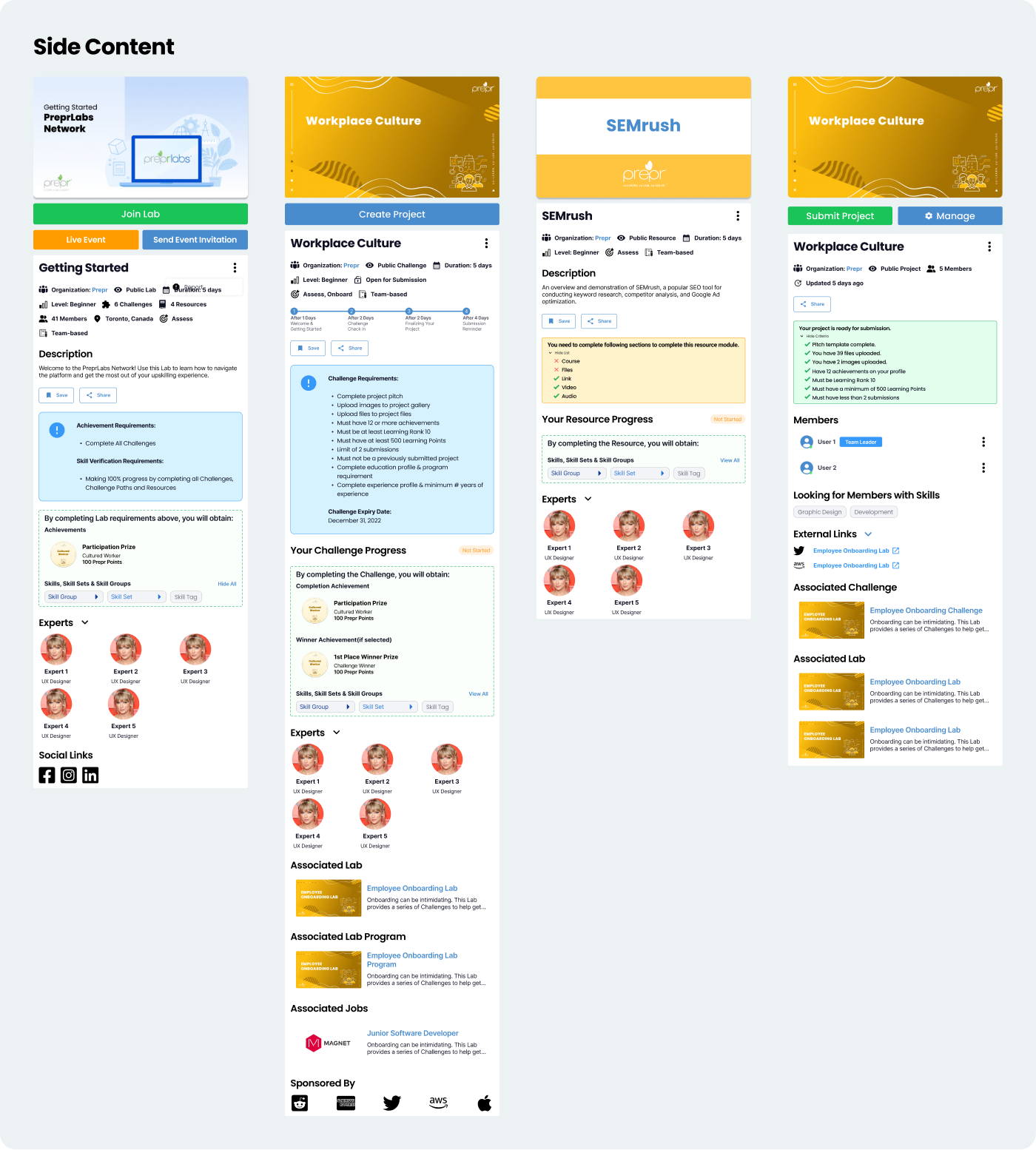
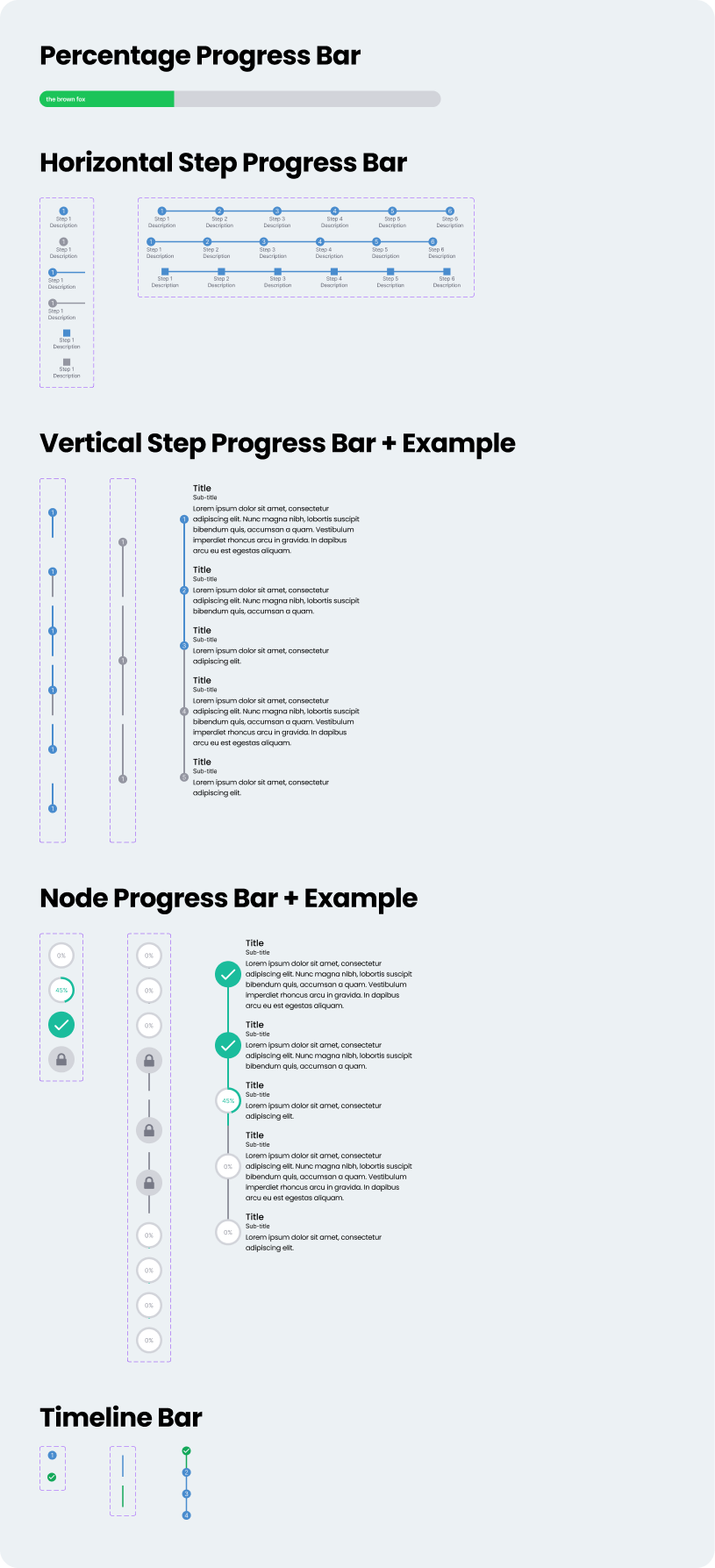
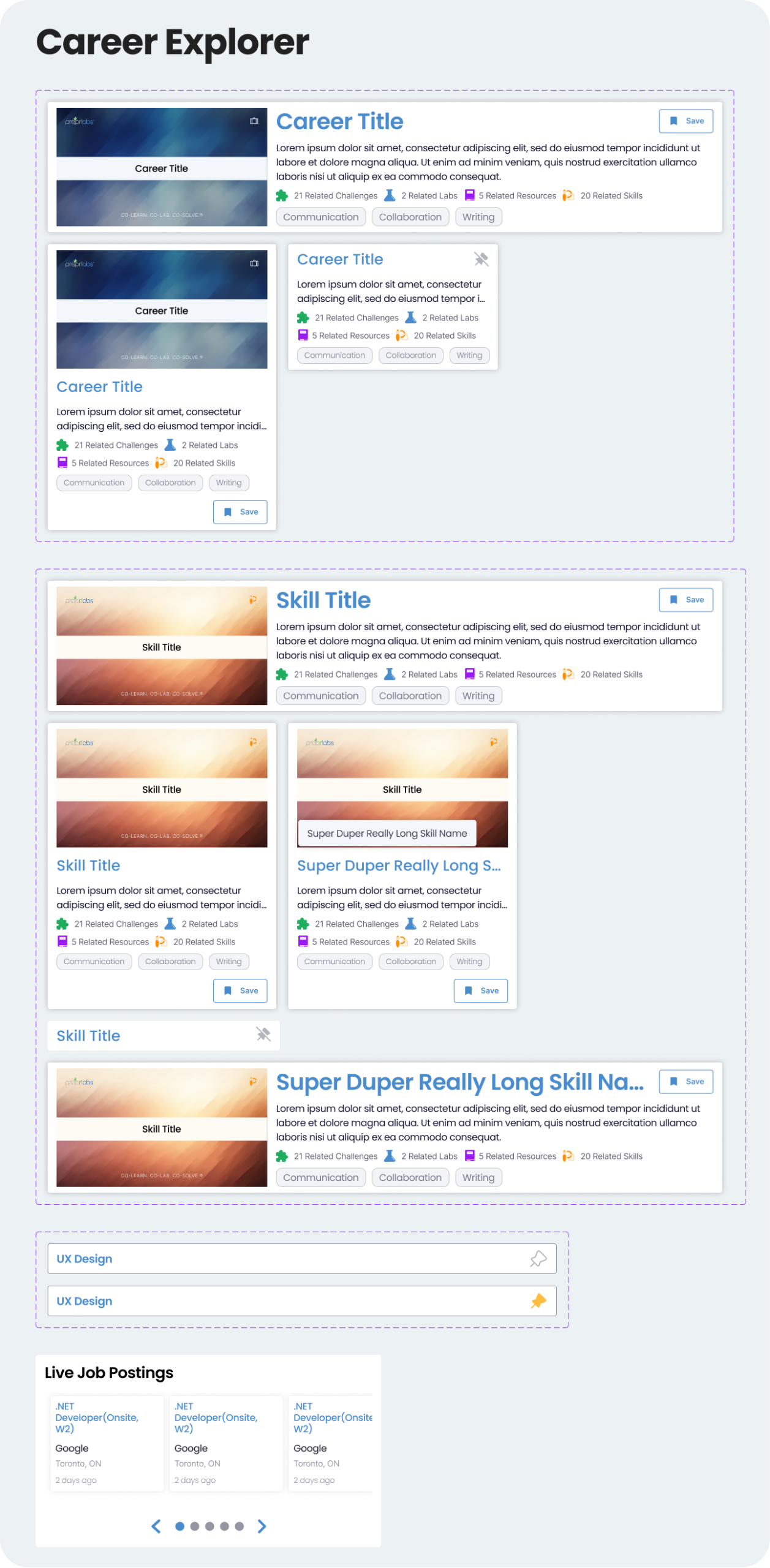
Over the course of a month, I updated the design system and all of the existing PreprLabs designs. All original components were updated with auto-layouts and were assigned consistent spacing through variables. The naming convention of components was made consistent, which helped reduce frustrations when searching in the component asset library.
Throughout this process, I worked with the development team to better understand their processes and improve the design handoff flow. Comparing past design implementations with the designs created with the new design system, there was a noticeable(~50%) drop in implementation errors. Additionally, the design workflow had considerably improved in terms of time spent and adjustments based on feedback.
Click on the images to enlarge them